How Does DOA Work?
You can return packaging with a deposit through the DOA Return Point. This way, you can make a great start in preventing environmental pollution. So, how does DOA work? The return fee is instantly credited to the DOA Digital Wallet in the app. You can spend the accumulated return fees as you wish.


01
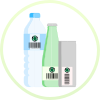
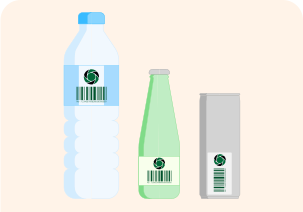
Check if your packaging has a deposit.
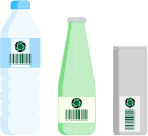
If it has a Deposit symbol, your packaging is returnable. You can bring your deposit-bearing glass, PET, and aluminum packaging to DOA Return Points.
02
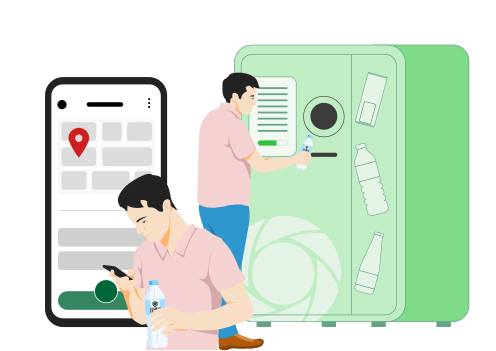
Find the Nearest Return Point to You
You can bring the deposit packaging to the nearest return point, which you can access via the DOA app. Scan the QR code on the screen of the DOA Return Machine with your mobile phone camera, and at the DOA Return Center, scan the QR code on the attendant's device with your camera to start the recycling journey of your deposit product.
03
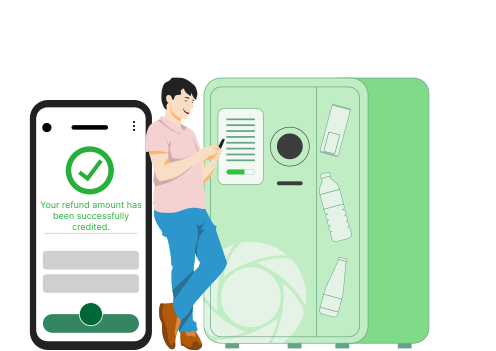
Receive Your DOA Return Fee
By scanning the QR code on the screen of the DOA Return Machine with your mobile phone camera or by scanning the staff member's QR code with your camera and handing over your package, you can instantly see your return amount in your digital wallet.
04
Spend It as You Wish
You can transfer your return fees to your bank account, make EFT and wire transfer transactions, withdraw from ATMs, or spend online with your virtual card. Additionally, you can make payments with the DOA app at any location that supports QR code payment with a POS device.
Tips for Your Visit
We have prepared some instructions for what you need to do when you reach the DOA Return Points.
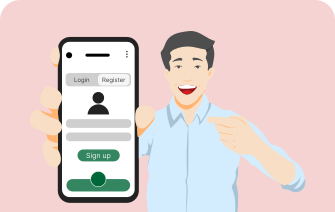
Don’t forget to register through the app or website.
The packaging you wish to return must be empty.
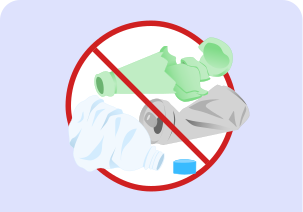
Your packaging must not be deformed, broken, or have its integrity compromised.
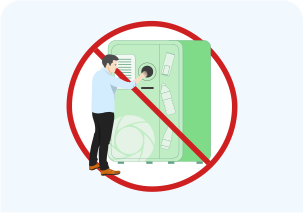
Do not insert your hand into the DOA Return Machine.
Other Content You May Find Interesting
What is DOA?

Which packaging can be returned?
Where can I return it?
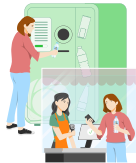
How can I earn?
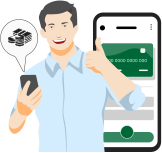
How can I use the DOA mobile app to return packaging with a deposit to DOA Return Machines?

To process your return through the DOA Return Machine;
Which packaging can I return?
You can return empty packages with DOA markings from disposable pet, glass, aluminum bottles/boxes between 0.10 - 3.01 L.
Where can I return deposited packaging?
You can make your return at the DOA Return Center or the DOA Return Machine.
To find your nearest return point:
Can I view the number of packaging returns with deposit?
You can track the number of glass, PET and aluminum bottle/can packaging returns in the "My Monthly Environmental Gains" section of the DOA mobile app on the home page or in the "Environmental Gains" menu after logging in to your DOA wallet on the DOA website.
What are the limits for package returns?
You can return 200 packages per day.
Try DOA Now!
If you’re ready to discover the most rewarding and fun way to recycle, we invite you to join DOA for this great start!