How Can I Get My Refund?
With the DOA app, you can easily transfer the refunds of your returned deposit beverage packages to your wallet via DOA Return Points.Via DOA Return Machine
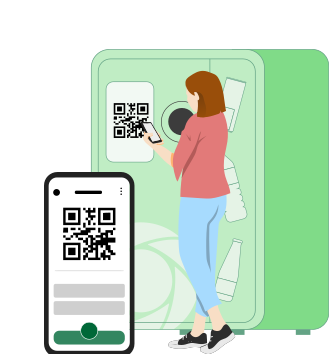
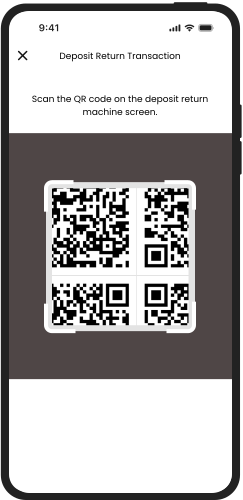
You can scan the QR code that appears on the screen of the DOA Return Machine with your mobile phone's camera and drop your package into the return section of the machine to receive your refund.
Via DOA Return Centers
At DOA Return Centers, you can scan the QR code on your phone's camera and return the package with the deposit.
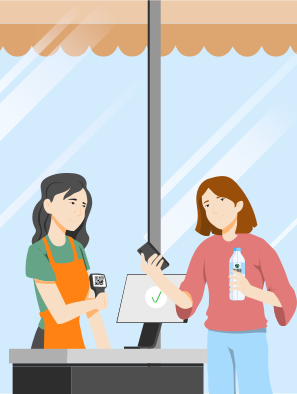
Follow the steps below to return your packaging and receive your deposit at DOA Return Centers.
01
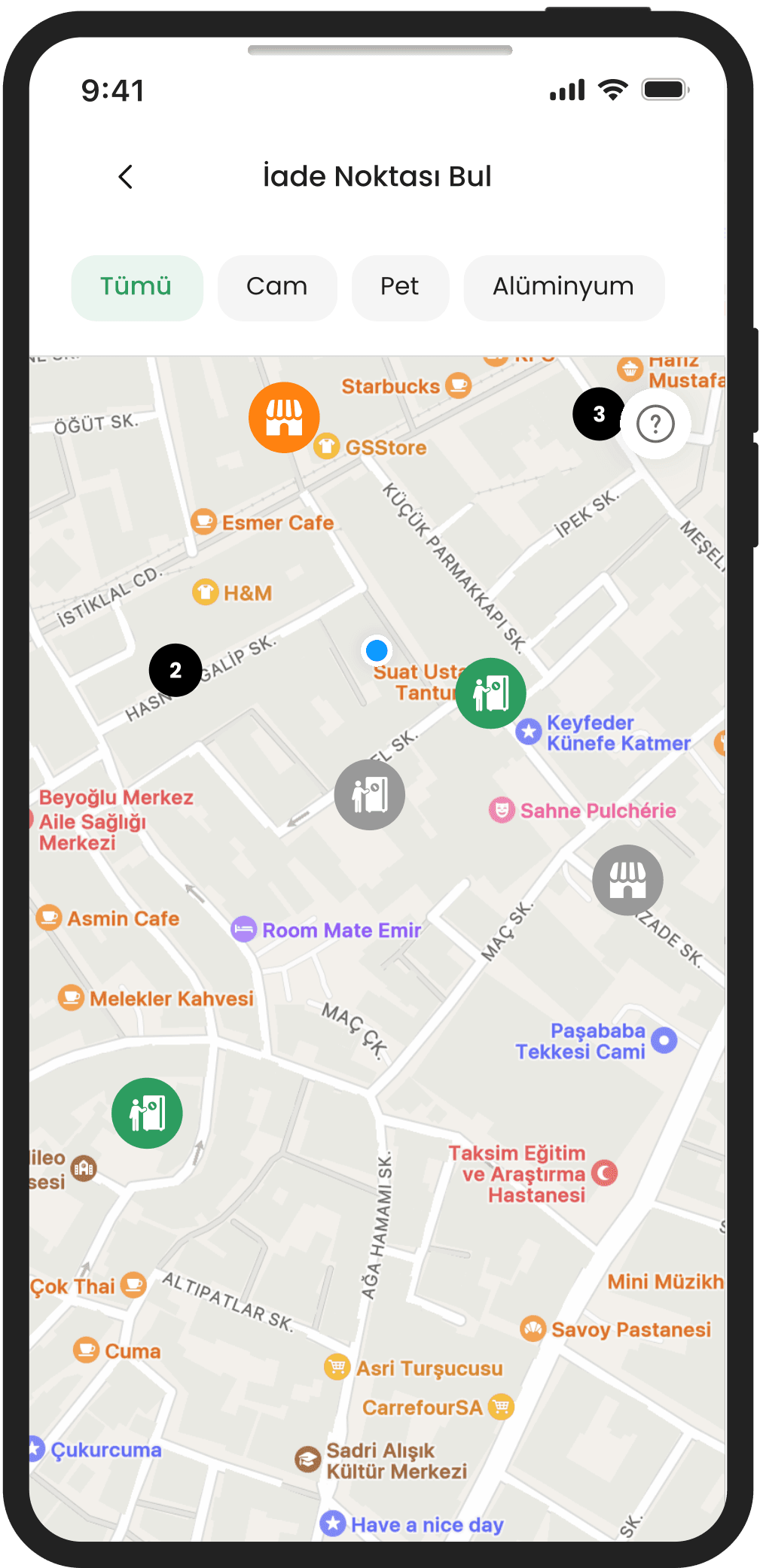
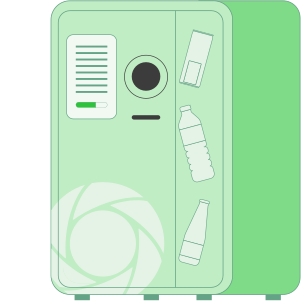
Go to a DOA Return Machine
You can find your nearest DOA Return Machine by selecting your province, district and neighborhood on the DOA app.
02
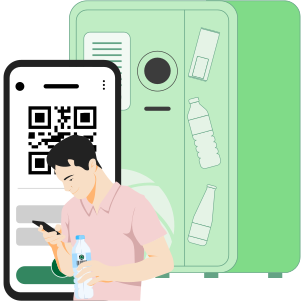
Scan the QR Code on the Screen of the DOA Return Machine with Your Mobile Phone
Click on the "Tap to start" field on the DOA Return Machine screen. Open the DOA app and click on the "Return" button. Scan the QR code on the machine screen with your cell phone camera.
03
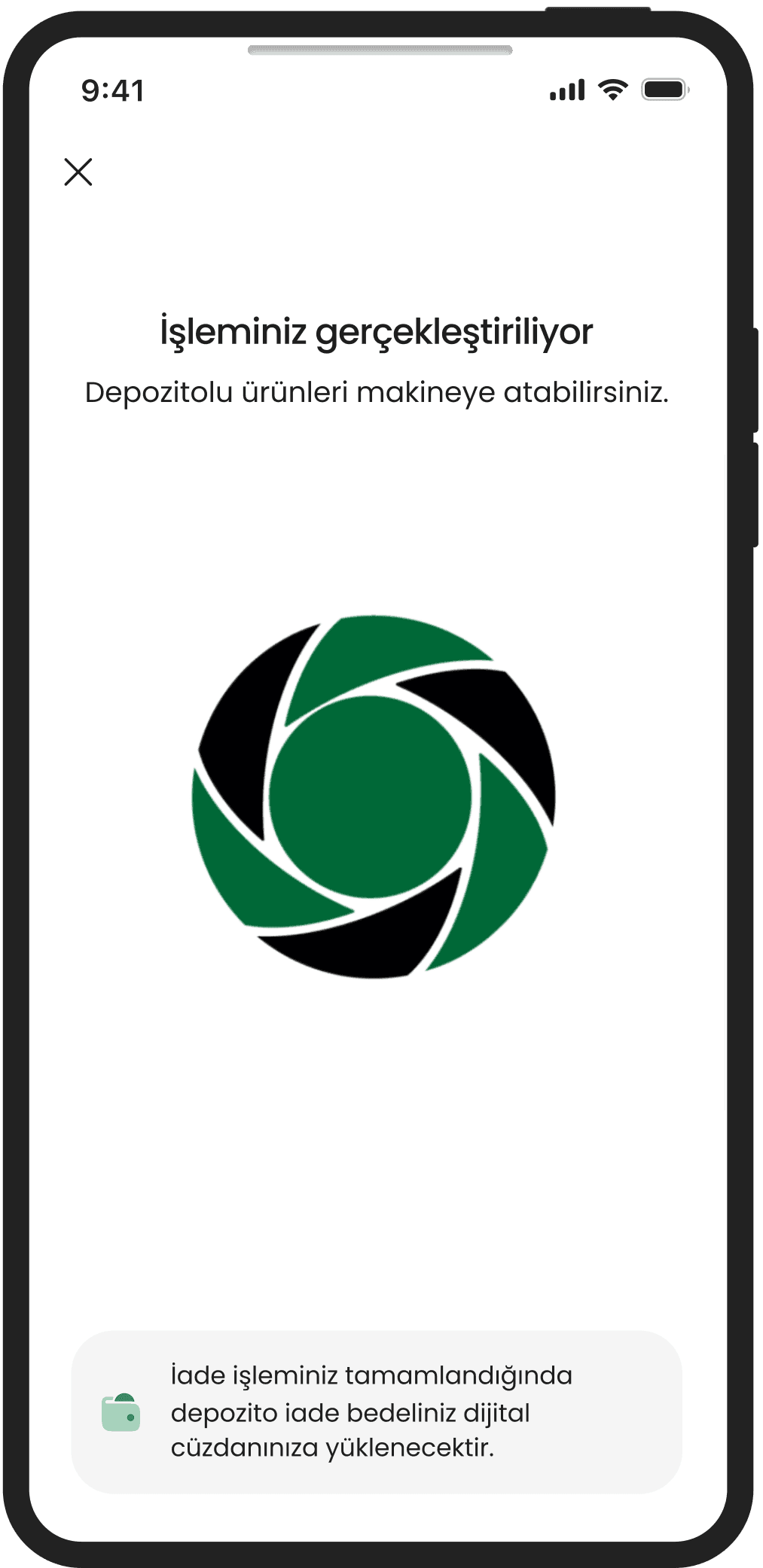
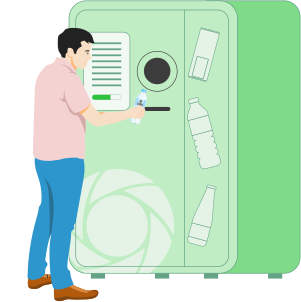
Dispose of packaging in the machine
After scanning the QR code, put your empty and undeformed DOA marked packages into the machine.
04
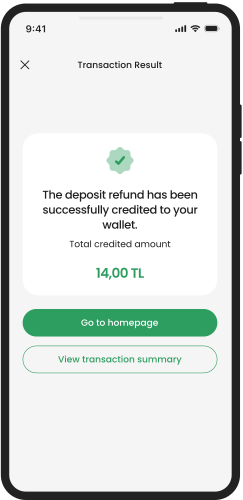
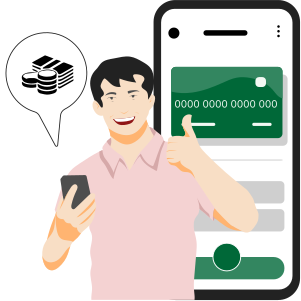
Transfer your deposit to your DOA Digital Wallet
As soon as you bring your packages to the DOA Return Machine, you can see your deposit amount in your digital wallet within the app.
Manage your wallet through online services!DOA offers you not only opportunities but also convenience! You can easily manage your wallet, view your refunds and use them to your heart's content by logging into Online Services at doa.gov.tr!
Other Content You May Find Interesting
How Does DOA Works?
Which packaging can be returned?
Where can I return it?
How can I earn?
How can I use the DOA mobile app to return packaging with a deposit to DOA Return Machines?

To process your return through the DOA Return Machine;
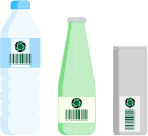
Which packaging can I return?
You can return empty packages with DOA markings from disposable pet, glass, aluminum bottles/boxes between 0.10 - 3.01 L.
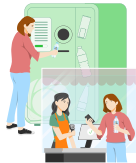
Where can I return deposited packaging?
You can make your return at the DOA Return Center or the DOA Return Machine.
To find your nearest return point:
Can I view the number of packaging returns with deposit?
You can track the number of glass, PET and aluminum bottle/can packaging returns in the "My Monthly Environmental Gains" section of the DOA mobile app on the home page or in the "Environmental Gains" menu after logging in to your DOA wallet on the DOA website.
What are the limits for package returns?
You can return 200 packages per day.
Try DOA Now!
If you’re ready to discover the most rewarding and fun way to recycle, we invite you to join DOA for this great start!